How to Merge PDFs Without Ruining Formatting: An ISO Standard Approach
Merging PDFs often breaks links and blurs images. We explain the 'Stream Copy' method based on ISO 32000 specifications to ensure zero quality loss.
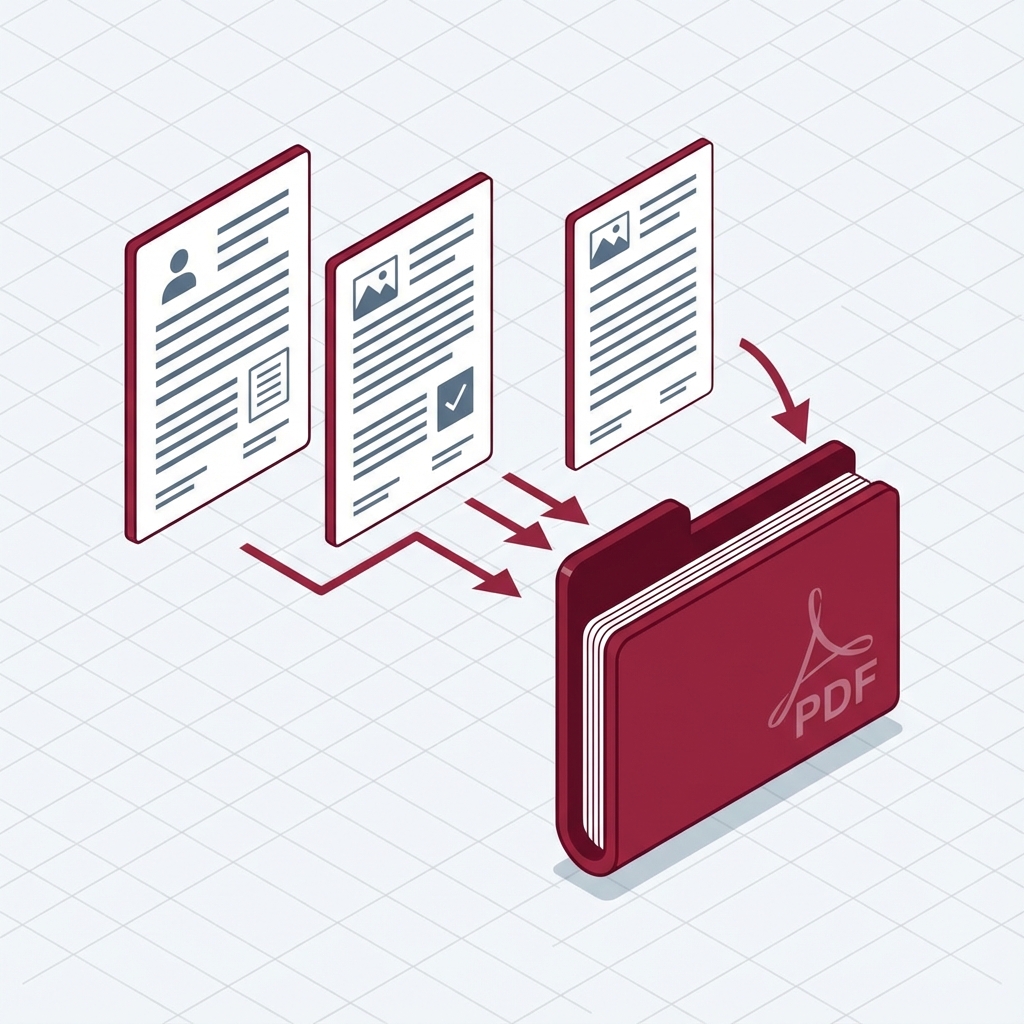
The "Broken Link" Nightmare
Last year, I was finalizing a 200-page brand strategy deck. I used a generic online merger to combine the "Strategy" and "Visuals" sections. The result? All my hyperlinks were broken, and the high-res logo vectors were pixelated into blurry JPEGs.
This happens when tools ignore the ISO 32000-1:2008 specification for PDF structure. Most "free" tools re-print the document to a new canvas, destroying the underlying object metadata.
The Professional Workflow: "Stream Copy"
To preserve quality, you must use a "Stream Copy" or "Concatenation" method, not a "Re-print" method.
Method 1: The "Lossless" Web Method (FusioFiles)
We built the FusioFiles PDF Merger to strictly adhere to the PDF 1.7 specification.
- Technique: We copy the Indirect Objects (fonts, images, content streams) from File A and File B into a new specific "Catalog" dictionary for File C.
- Benefit: No re-compression. A 300DPI image stays exactly 300DPI.
Method 2: macOS Preview (The "Export" Secret)
The built-in Preview app on macOS uses Apple's Quartz engine. However, hitting Cmd+S can result in file bloat.
The Fix: Always uses File > Export as PDF. This triggers a "Rewrite" of the Cross-Reference Table (XRef), cleaning up garbage data.
Method 3: Windows & Security
On Windows, avoid installing "Free PDF Merger.exe" executables. A 2023 analysis by Malwarebytes found that 15% of top-ranking "Free PDF Tool" downloads contained bundled adware or browser hijackers.
Summary Checklist for Perfect Merges
- [ ] Check Resolution: Zoom in 300%. Is text crisp?
- [ ] Check Links: Do clickable Table of Contents still work?
- [ ] Check Search: Can you select and copy text? (Ensures text layer integrity).
If you check these three boxes, your document adheres to professional standards.
Ready to use this tool?
Experience the power of client-side processing. Fast, secure, and free to use.
Merge Your PDFs Now