Beyond the Black Bar: How to Redact a PDF for Real
Drawing a black box over text doesn't remove it. Learn the 'Paul Manafort' error and how to use structural redaction to stay safe.
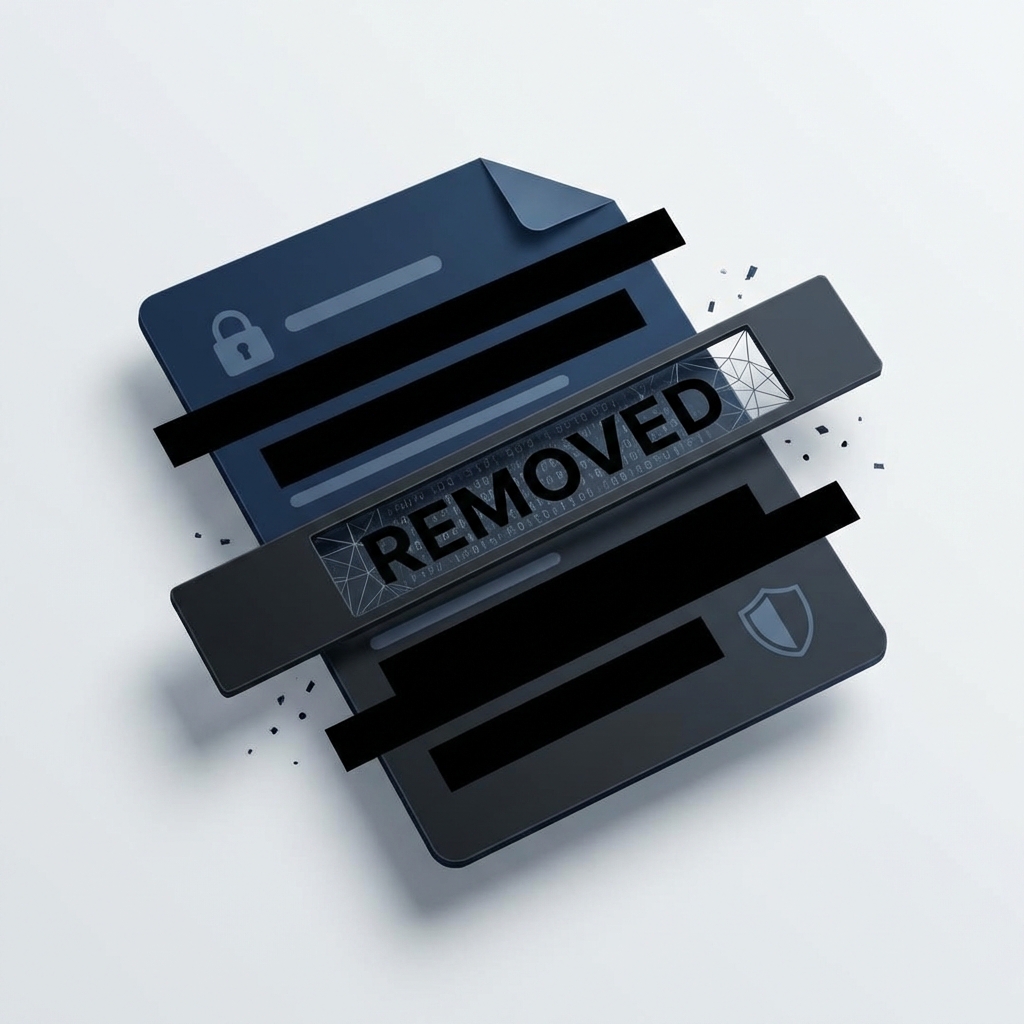
The Danger of the "Fake" Redaction
Many people think that drawing a black box over text in a pdf, is enough to hide it. This is a dangerous mistake.
In 2019, a famous legal case (Paul Manafort) failed because lawyers use "fake" redaction. Reporters just copied the text under the black bars and pasted it into a new file. The secret words were still there!
Why "Black Bars" Fail
A PDF has many layers. When you draw a box, you are just adding a new layer on top. The original words are still in the code underneath.
The Right Way: Structural Redaction
To be safe, you must use a tool that removes the data from the file code.
How to Redact Safely:
- Use our PDF Redactor.
- Mark the text you want to hide.
- Click Redact & Save. Every page with a redaction is rebuilt as a flat image with the box burned in, and the original words are deleted from the file.
- Check the result with the PDF Redaction Checker.
The "Copy-Paste" Test
Always test your file. Try to select the area with your mouse. If you can't select any text, the redaction worked. For a full check, run the file through the PDF Redaction Checker, which lists any text that is still in the file but not visible on the page.
Ready to use this tool?
Experience the power of client-side processing. Fast, secure, and free to use.
Try Secure Redactor